Every yacht's history.
Nothing to remember.
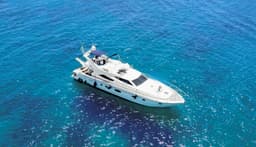
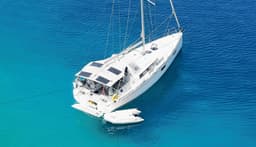
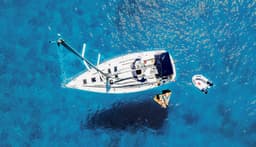
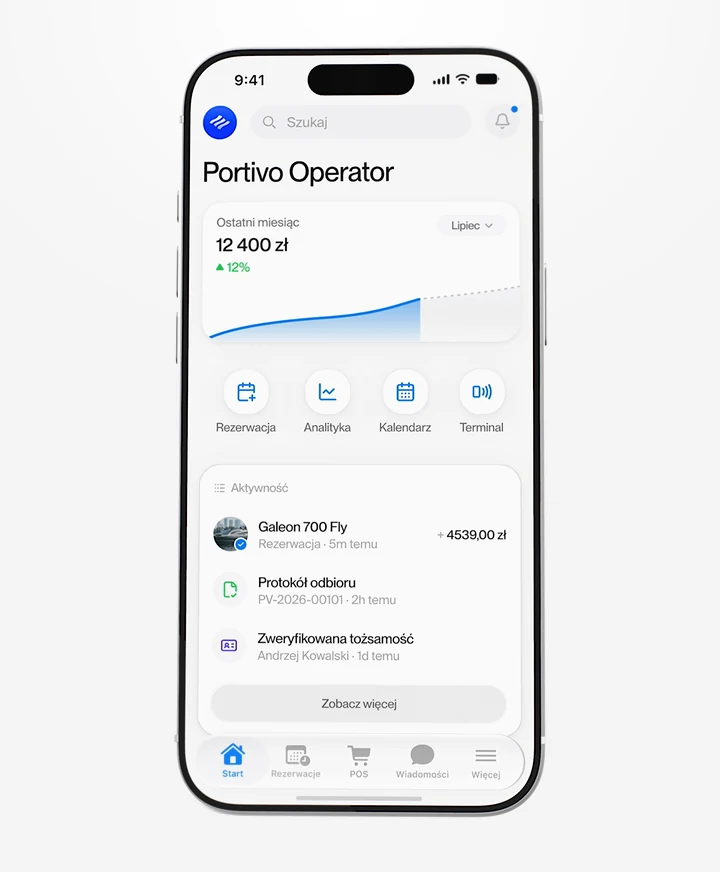
Specs, photos, documents and the season's prices on every yacht's card. Engine hours, fuel and damage come in from the handover reports, and you put service or an owner block in the calendar before anyone buys those dates.
- A yacht card with photos and documents
- Engine hours and damage from reports
- Service and owner time in the calendar
All about the yacht.
On one card.
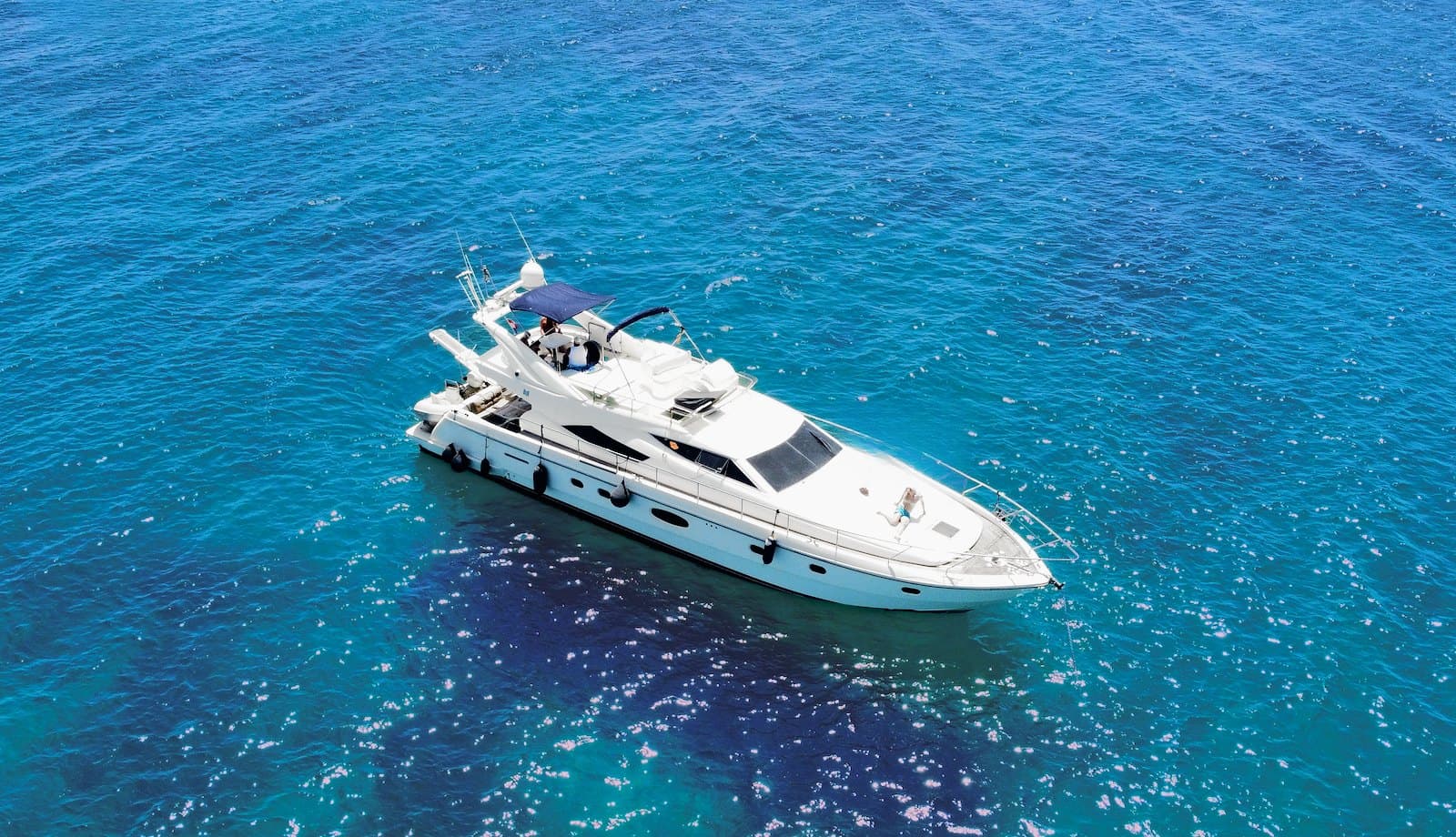
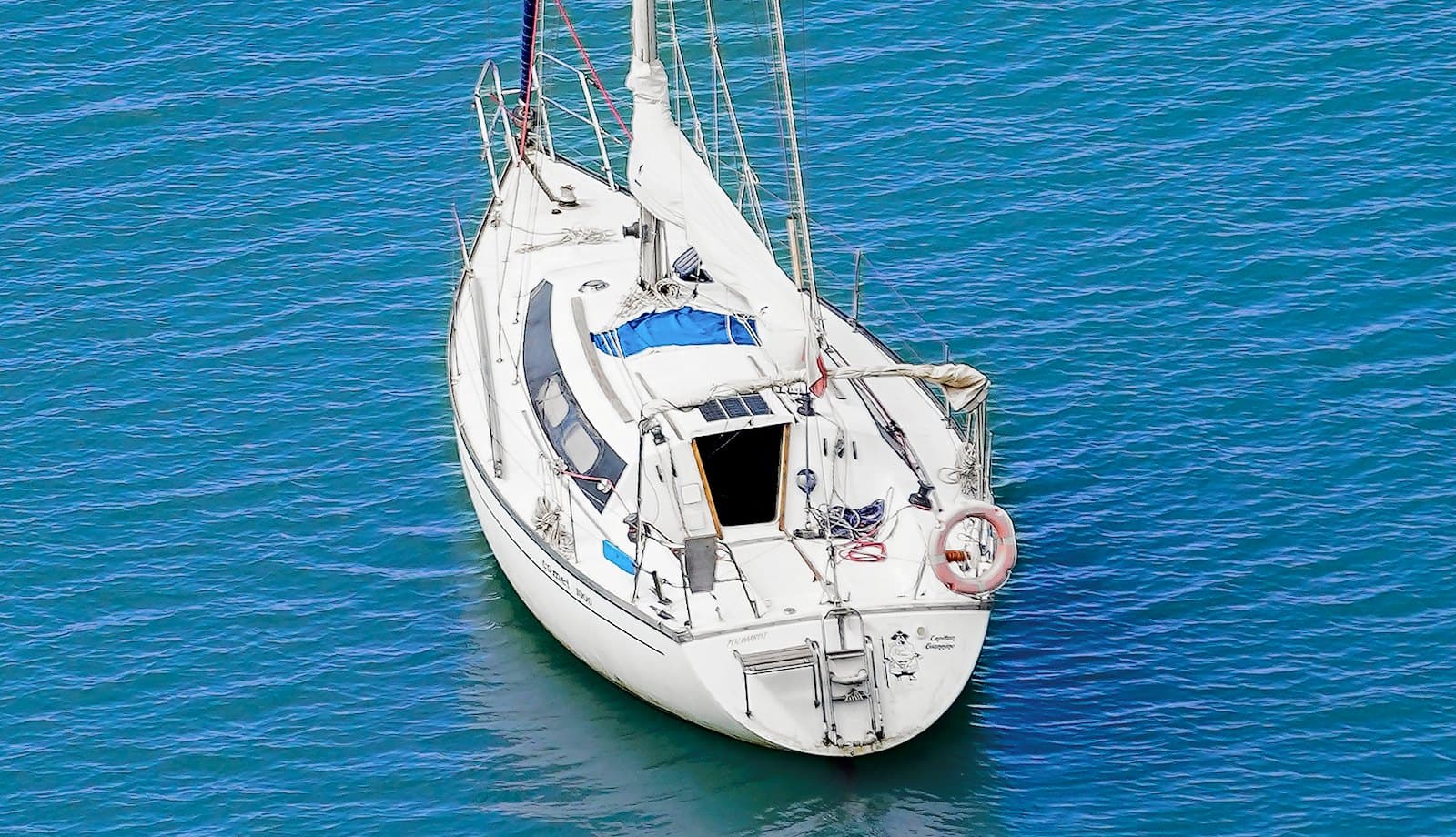
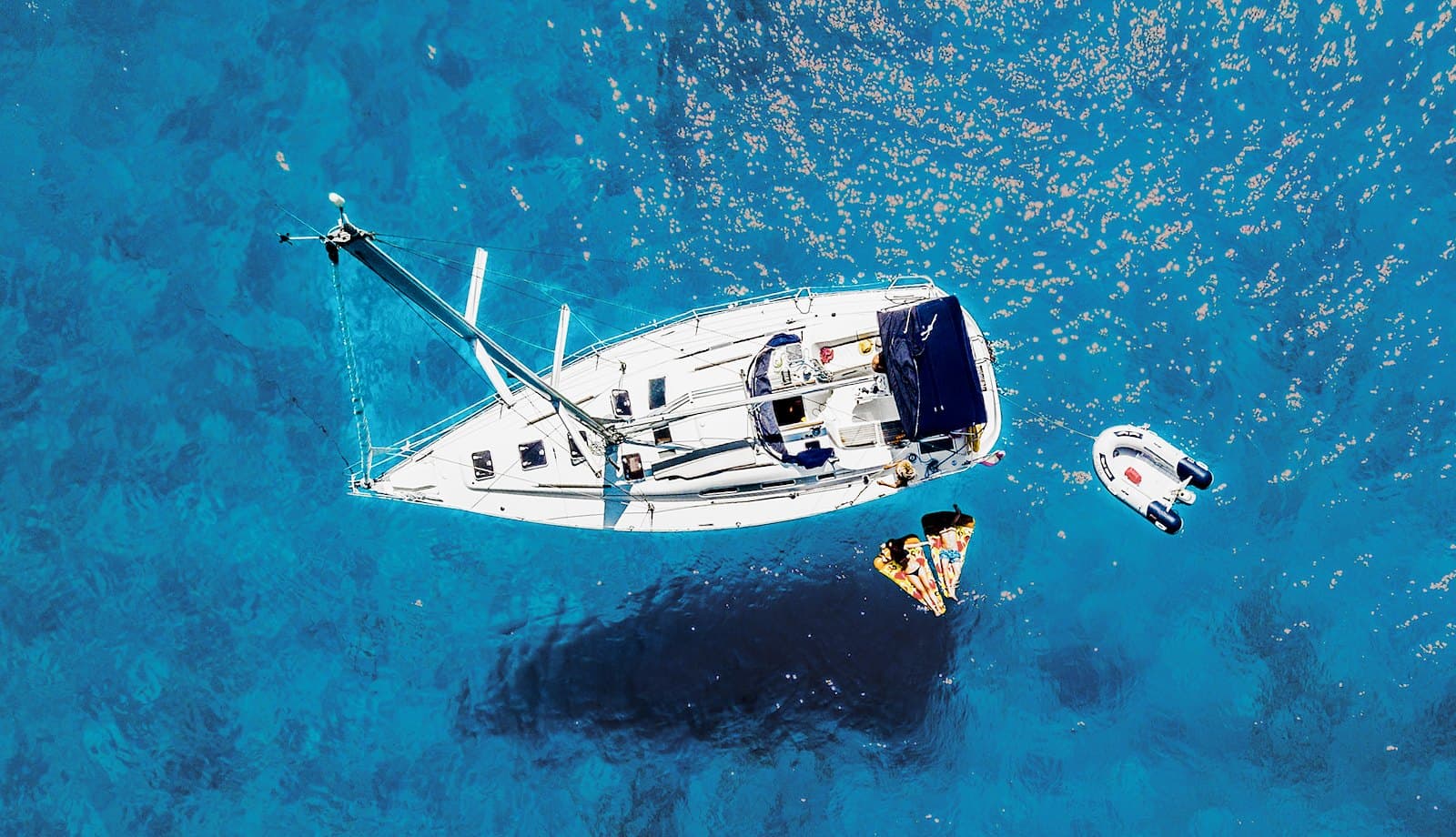
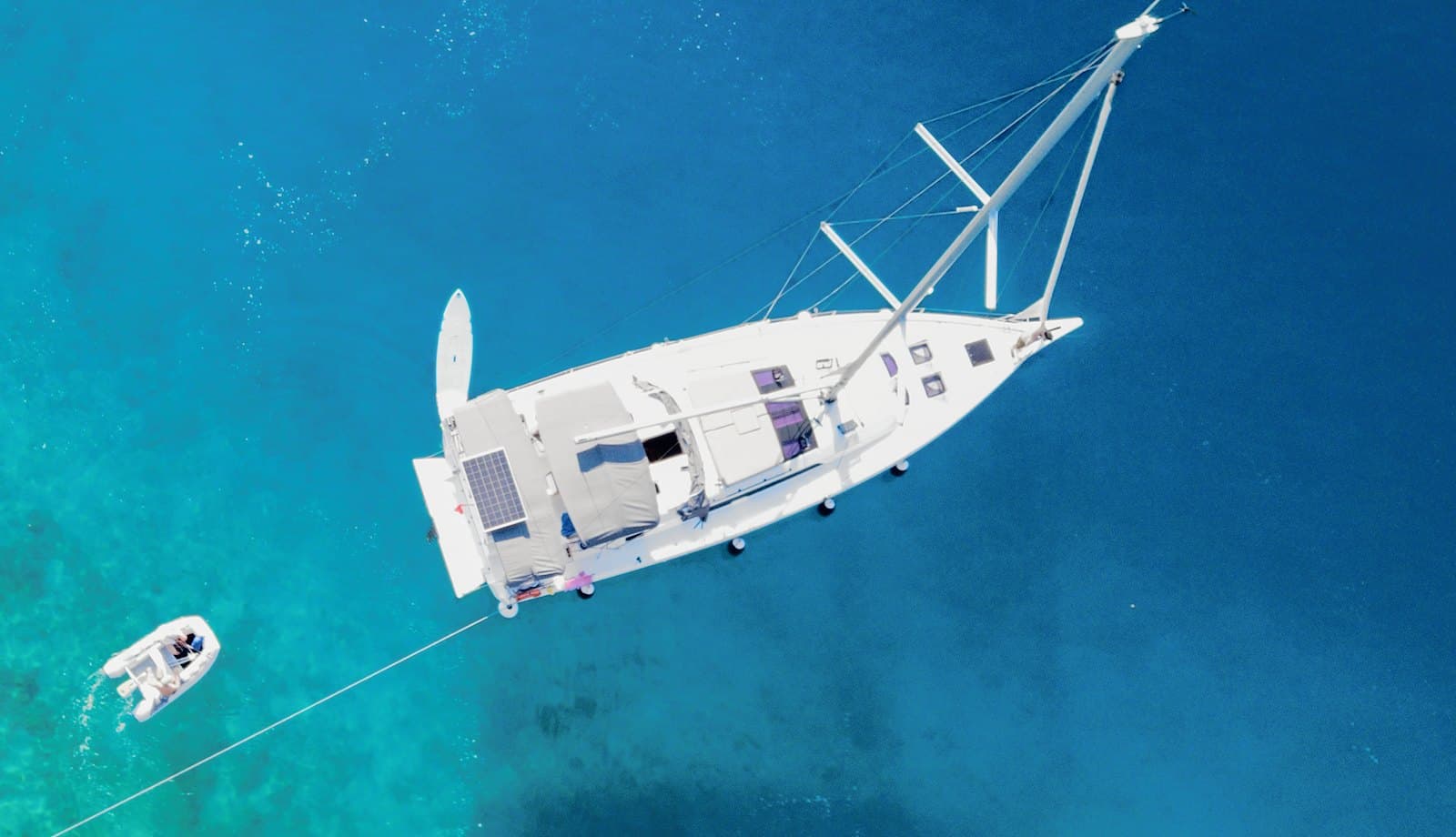
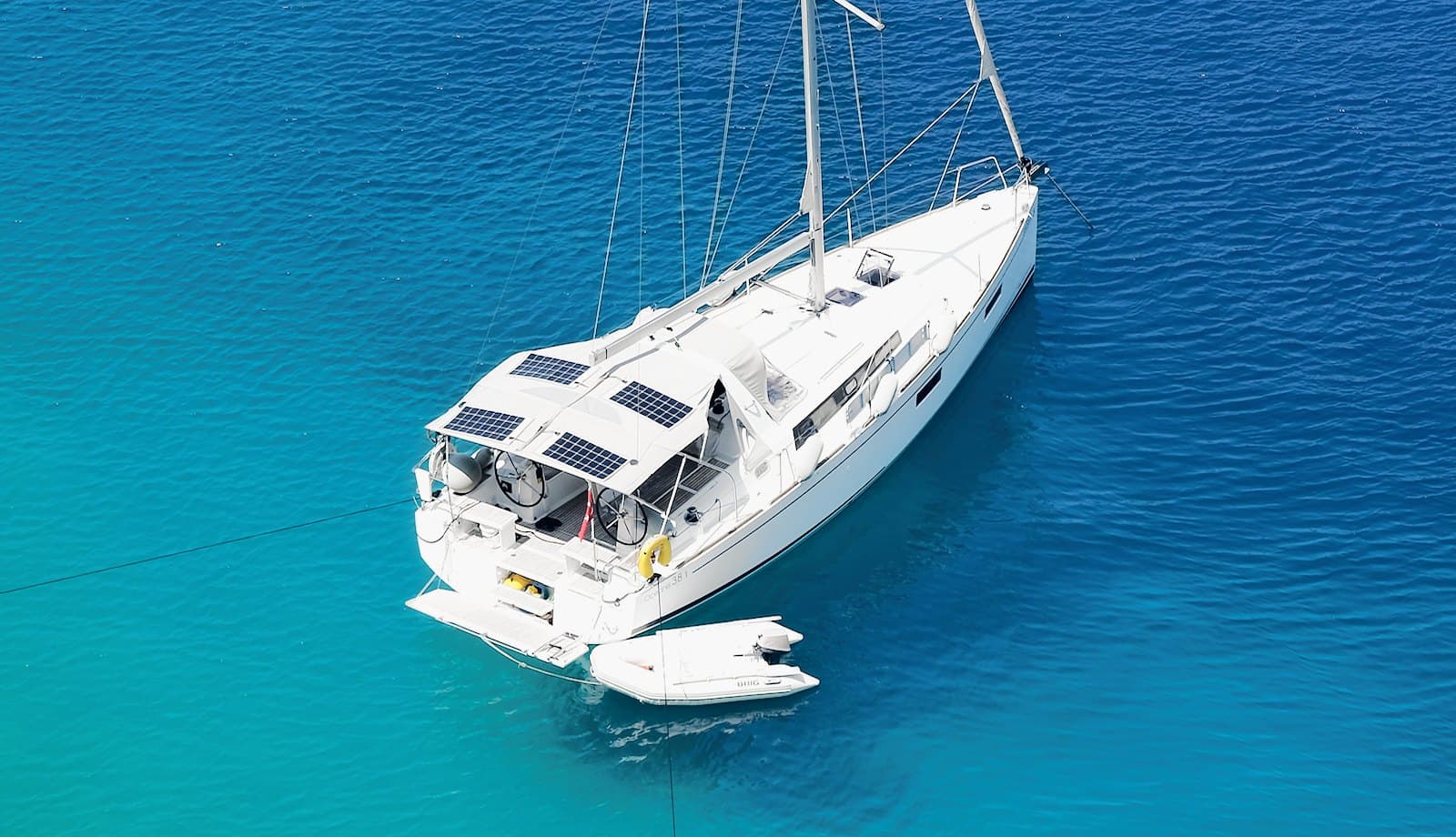
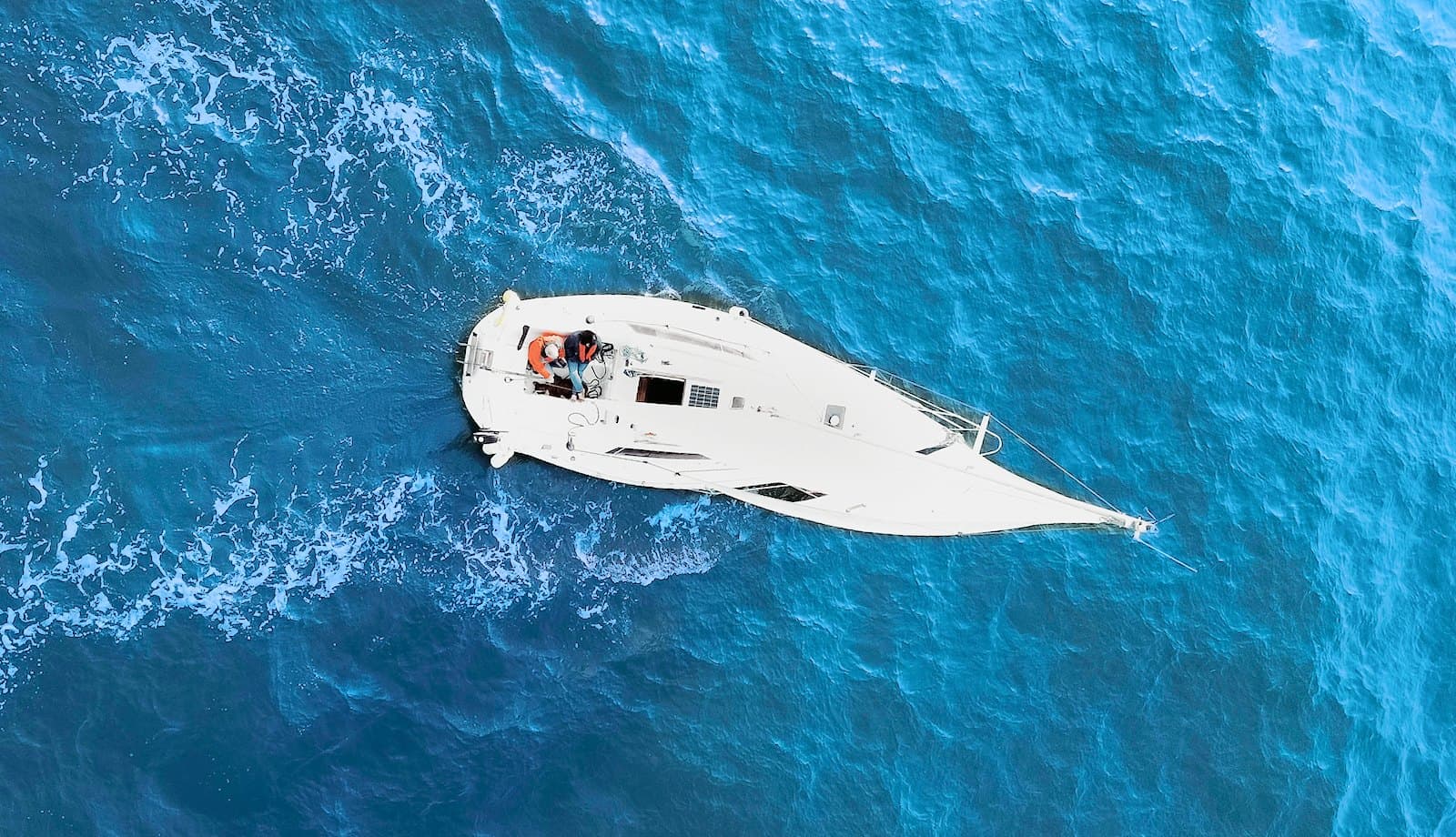

- 6types of craft, from a sailing yacht to a jet ski
- 2ways to rent: by the day or by the hour
- hrsthe latest engine reading, yacht by yacht
No more notepad
or rounds of the pier.
Today: Engine hours jotted in a notepad
With Portivo: Engine hours from every report
Today: Insurance in a binder at the office
With Portivo: Documents on the yacht's card
Today: Service agreed over the phone
With Portivo: A service block in the calendar
Today: Occupancy worked out in a sheet
With Portivo: Occupancy report, yacht by yacht
Works with the rest.
From pier to calendar.


Questions about the fleet
Don't see your question? Write or call, we usually answer within one working day.
Ask a questionWhere do engine hours and fuel come from?
From the check-in and check-out reports. Each report adds its readings to the yacht's history, so you see the latest engine hours without stepping aboard.
How do I block a yacht for service?
Add a service block in the calendar and the dates come off sale. You can also switch the yacht's status from your phone, in the operator app.
Where do I keep the yacht's documents?
On the yacht's card. Certificates, insurance, registration and surveys go in as files, and the whole team has them at hand.
Can I run more than one base?
Yes. You assign each yacht to a base and filter the fleet calendar by base. The availability rules keep to each base's opening hours and closed days.
See the yacht card on your own fleet.
A short call, a live demo and a rollout plan. We usually answer within one working day.